
UI Design: Sony PlayStation in Figma
Skeuomorphic recreation of a Sony PSX in Figma
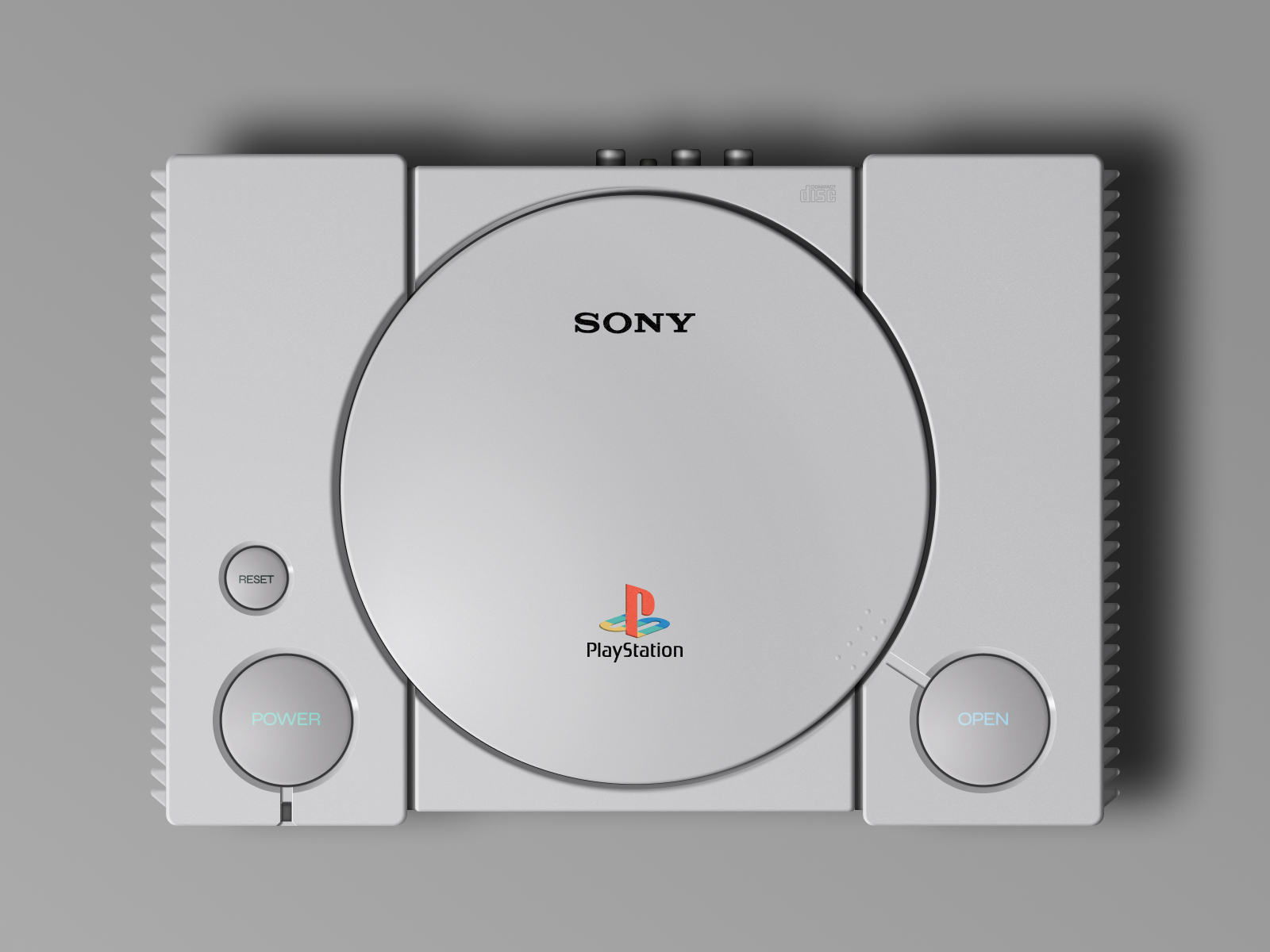
Sony PlayStation was my childhood dream. I spent countless hours on this console playing different games with my brother. That's why I decided to recreate this console in Figma!
Everything, except the logos was built manually by myself. Initially it was supposed to be just a power button for #DailyUI challenge, but then when I started, I said: why not! And created this whole design.
It was a great skeuomorphic UI design practice of gradients, shadows, shapes, colors and animations. To say the least, it cost me a ton of work :-) But it was fun!
PS. It is a fully-functional interactive prototype, and you can view it here: https://tinyurl.com/s9pwmjzn
Or access the published design file in Figma: https://tinyurl.com/yj5rupht
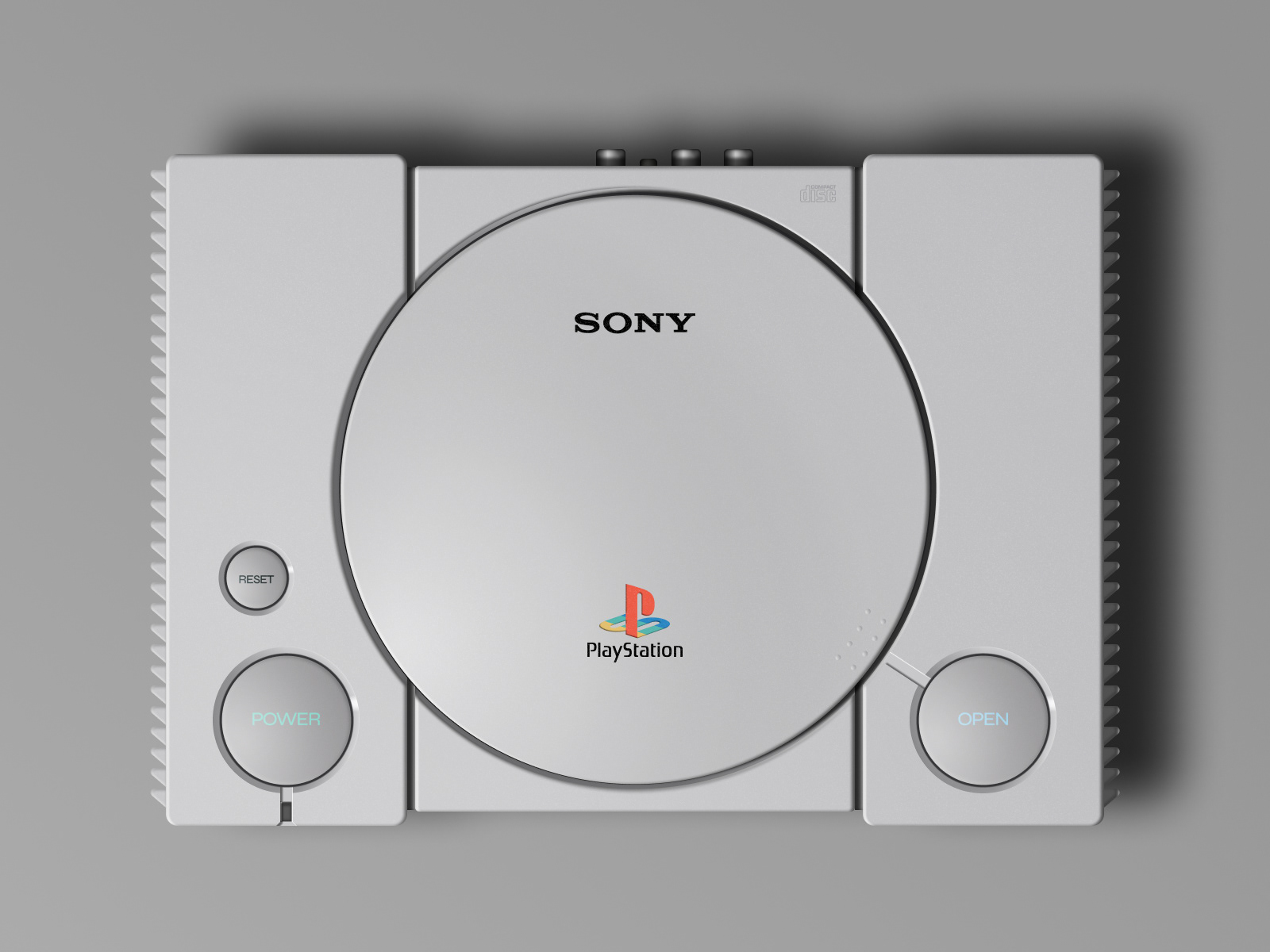


This design is a fully interactive prototype:
My process:
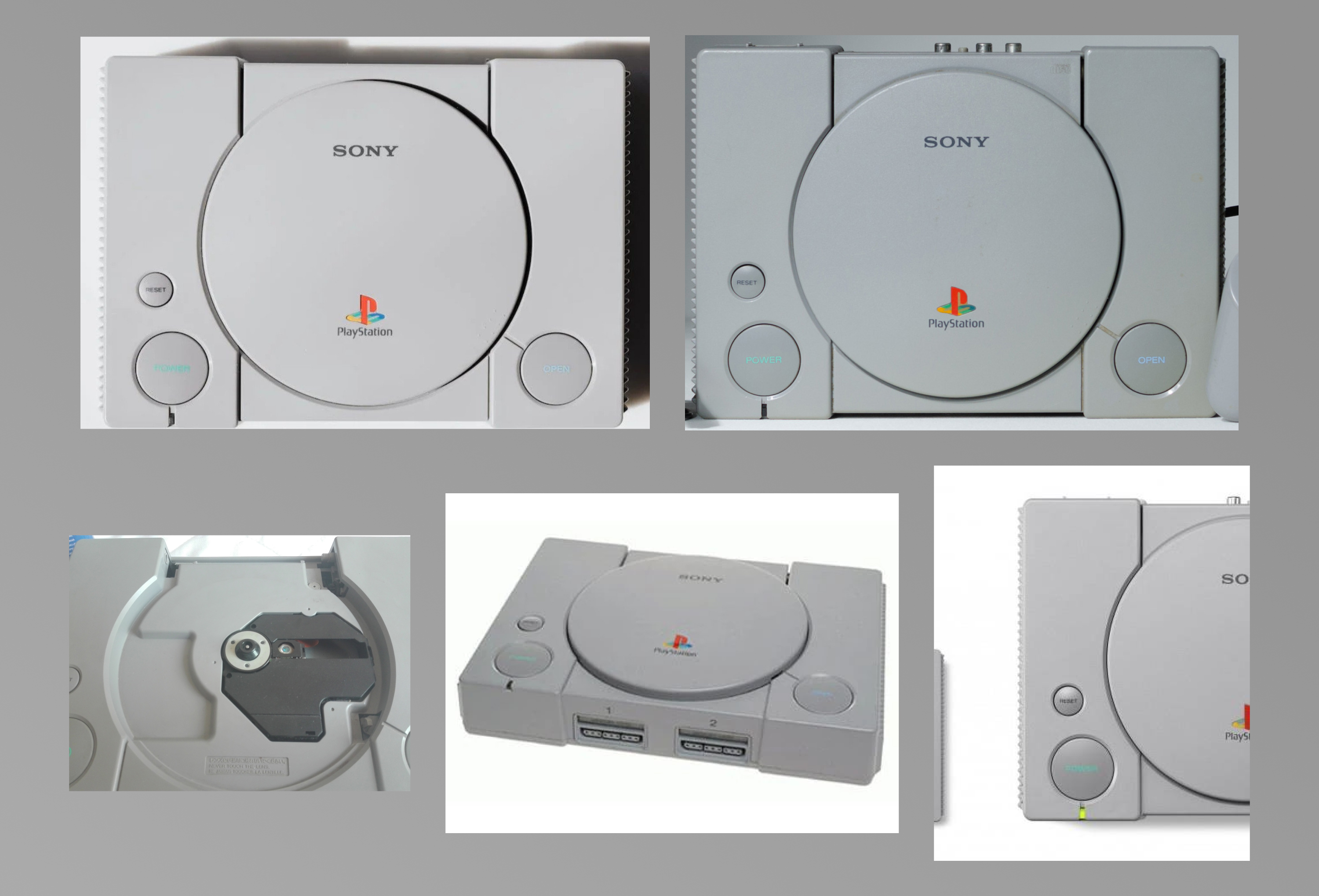
First I gathered some images of PSX for reference.
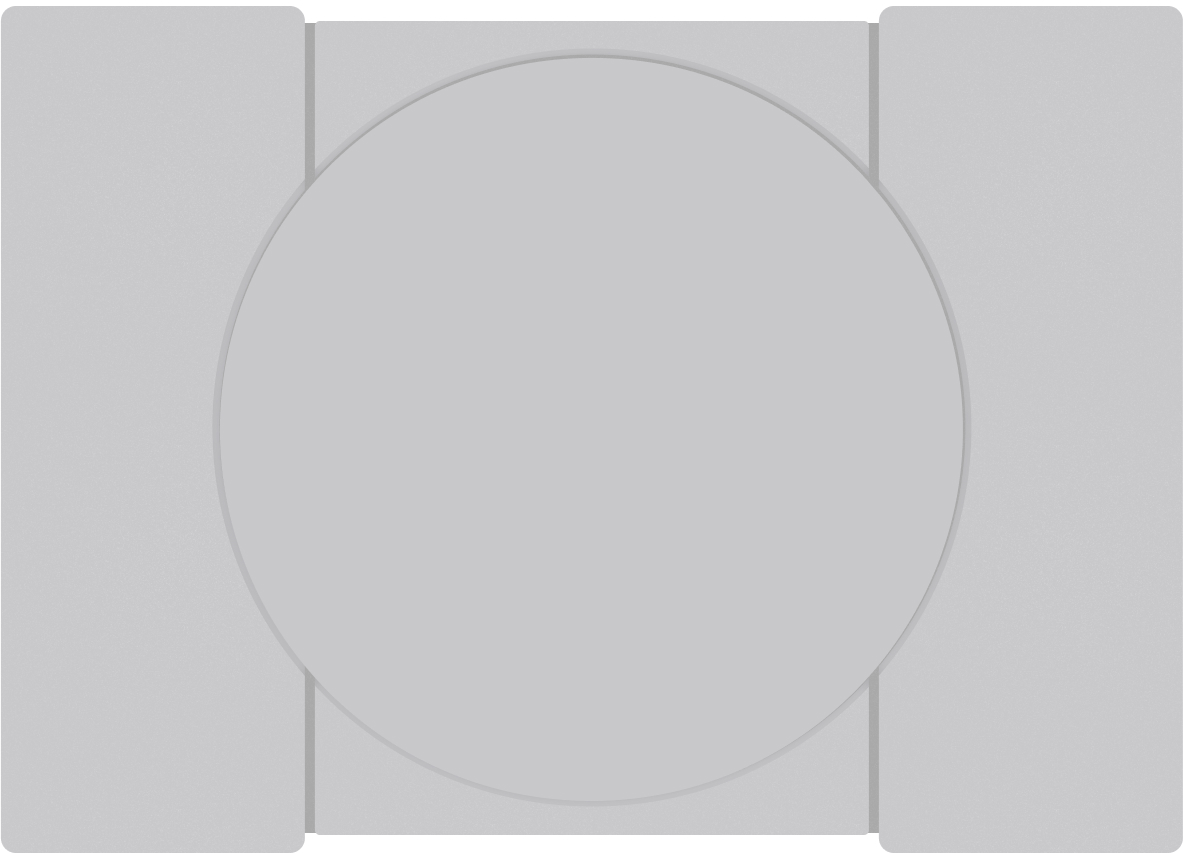
Then I created a general shape in Figma to work on.
Next, I started refining the shapes and created individual components.
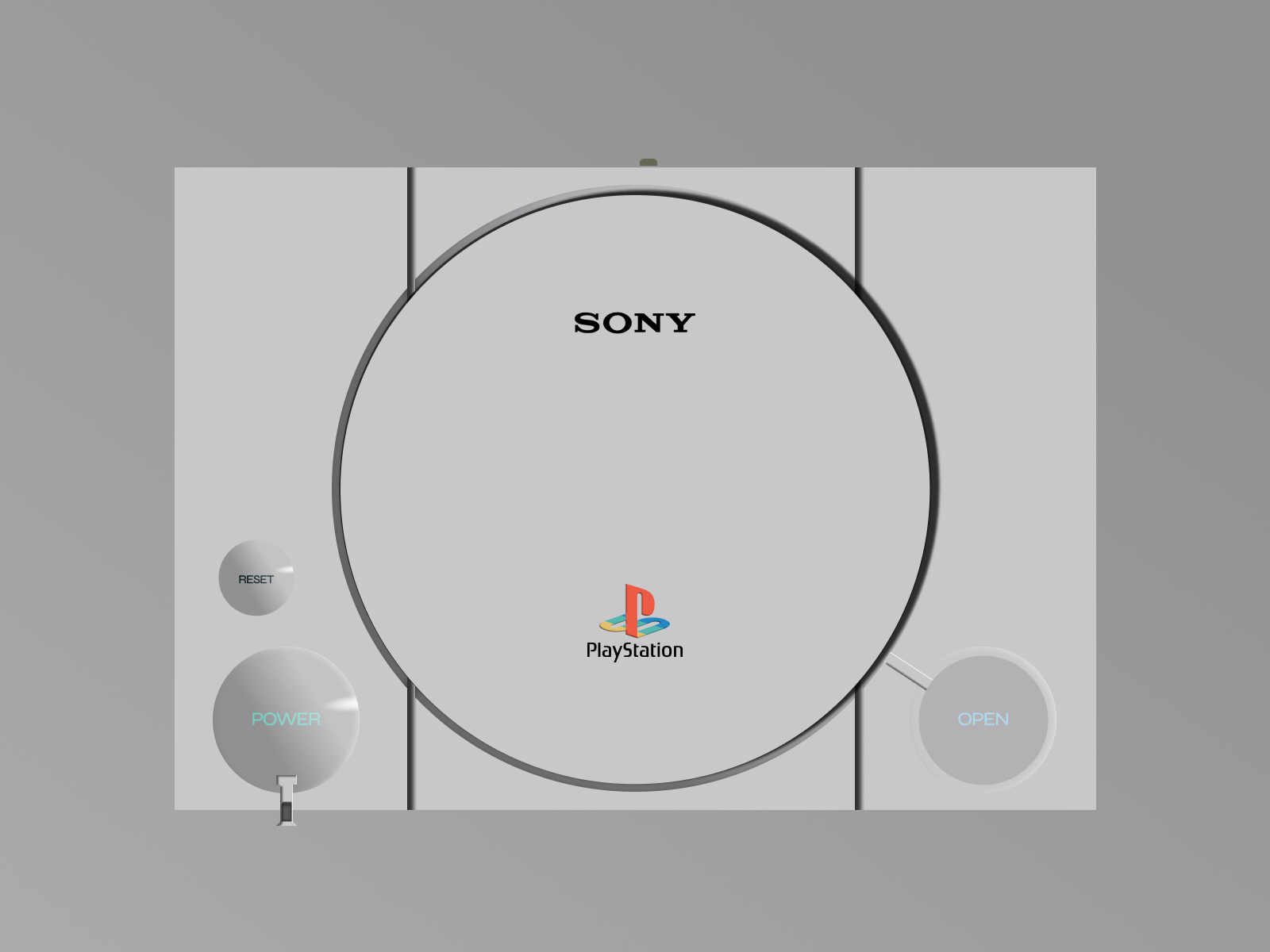
After some work I managed to create good looking components that would look like original ones. I had to use noise image to create rough plastic texture. I also created variants of components to prototype their animation while pressing.

Next I had to find a workaround for animating a 3-D plastic cover in a 2-D Figma environment. I managed to do that by flattening the cover component and creating variants in different positions.

I am happy how the project turned out finally. It was a great exercise.
